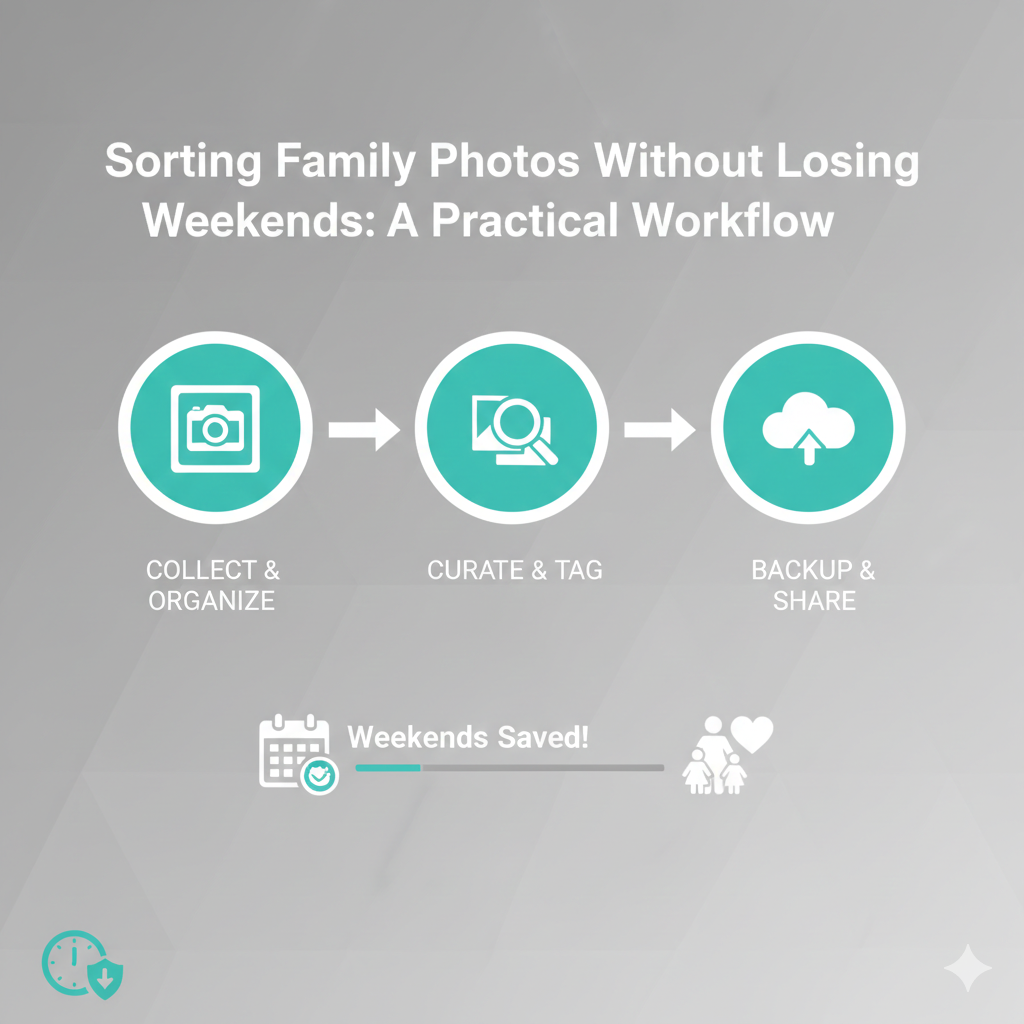
Family photos hold our memories, from birthdays to vacations, from milestones to everyday moments. Yet, these precious memories can quickly become overwhelming if not organized properly. As digital cameras and smartphones have made capturing moments easier than ever, the sheer volume of photos can lead to chaos. Personal Digital Archiving offers a simple yet effective way to organize family photos, ensuring they’re accessible when needed without wasting hours sorting through unorganized files. In this guide, we’ll walk through a practical workflow to help you sort your family photos in an efficient, stress-free way.
Why Organizing Family Photos is So Overwhelming
The number of photos we captured today is staggering. According to recent studies, over 1.2 trillion photos are taken globally every year. For families, this means digital photos quickly pile up across smartphones, computers, and cloud services. Over time, those images can get scattered across multiple devices, folders, or cloud services, making it nearly impossible to locate a specific memory.
Even with all the advantages of digital photography, the problem often lies in the disorganization. Photos are taken in bulk, uploaded into random folders, and left without a clear naming system. The result? Hours of wasted time scrolling through unorganized files, trying to find that one photo you know is buried somewhere.
The challenge lies not only in sorting and organizing existing photos but also in creating a workflow that will keep your collection organized over time. Without a plan in place, the clutter continues to build, making it harder to stay on top of the task.
Step-by-Step Guide for Organizing Family Photos
The key to Personal Digital Archiving for family photos is consistency. The goal is to create a manageable system that works for you now and in the future. Let’s break down the steps for organizing photos and building a sustainable archiving workflow.
1. Consolidate All Your Photos Into One Place
Before you start organizing, gather all of your photos from various devices (smartphones, cameras, tablets, computers) and cloud services into one central location. This could be an external hard drive or a dedicated folder on your computer, cloud storage, or a Network Attached Storage (NAS) device.
Having everything in one place is crucial for getting a clear view of what you have. Once all your photos are consolidated, you’ll be able to begin organizing them in a logical and manageable way.
2. Create a Folder Structure That Makes Sense
The next step is setting up a folder structure that works for your needs. The goal is to organize photos into categories that are easy to understand and navigate. A good system should be flexible enough to allow for future additions.
A common and effective structure for family photo organization is based on dates and events. For example:
This way, all photos from a particular event or moment (like a family vacation or a birthday) are stored together and easy to locate. Here’s a sample structure:
If you prefer, you can organize by family members or themes (such as holidays or vacations), but a date-based structure works well for most families.
3. Rename Your Photos for Easy Retrieval
One of the simplest yet most effective ways to make your photos easy to find is by renaming them. Rather than keeping the default camera filename (which could look like IMG_1245.jpg), rename the files with a consistent format that includes the date and a brief description.
This naming convention ensures that the photo file includes key information like the date and event, making it easy to search for and locate specific images in the future. The added description also helps differentiate between similar photos taken on the same day.
4. Tag Photos with Metadata for Advanced Searchability
While renaming photos makes them easier to search for, adding metadata (like tags) takes the organization to the next level. Many Personal Digital Archiving tools and software, including cloud storage services, support metadata tagging. Tags can include additional information, such as the names of people in the photo, the location, or the theme of the photo (e.g., “vacation,” “birthday,” “family reunion”).
For example, tagging photos with people’s names (like “John,” “Sarah,” “Mom,” “Dad”) allows you to quickly locate all the photos in which a person appears, even if they were taken in different years or locations.
This method is particularly useful if you want to search for photos based on specific people, places, or events across your entire archive.
5. Backup Your Photos to Prevent Loss
Once your photos are organized and safely stored, it’s important to back them up. Photos are irreplaceable, and losing them due to a computer crash or accidental deletion can be devastating.
Follow the 3-2-1 backup rule:
- 3 copies of your data (original, backup, and cloud or secondary backup)
- 2 different types of media (external hard drive, cloud storage)
- 1 copy offsite (cloud service or offsite hard drive)
This way, if one backup fails or something goes wrong, you have multiple ways to restore your photos.
6. Set Up a System for Ongoing Organization
Once your photos are organized, it’s important to keep the system going. Make it a habit to regularly upload and organize new photos. If you capture a lot of images, set aside time each month to go through and add them to your archive. Consistency is the key to maintaining an organized archive.
For example, after a family event, take the time to upload and sort the photos into the right folders while the memories are fresh. It will be easier to stay organized if you don’t let files pile up.
The Benefits of a Personal Digital Archiving Workflow
- Easy Access: Organized photos are simple to retrieve, saving you time and frustration when searching for specific images.
- Better Memory Preservation: With a clear, consistent system, you’ll ensure that your family memories are preserved for the long term.
- Stress-Free Sharing: Sharing memories with family and friends becomes much easier when your archive is organized.
- Less Time Spent Sorting: Instead of spending weekends digging through messy folders, you can enjoy your photos without the stress of finding them.
Conclusion
Organizing family photos doesn’t have to take up all your weekends. By implementing a Personal Digital Archiving system that consolidates, categorizes, and names your files consistently, you can keep your memories organized and easily accessible. With the right workflow in place, sorting through your photos becomes a straightforward task that you’ll be able to maintain with minimal effort. No more digging through cluttered folders just a well-organized digital archive that preserves your family’s precious memories for years to come.