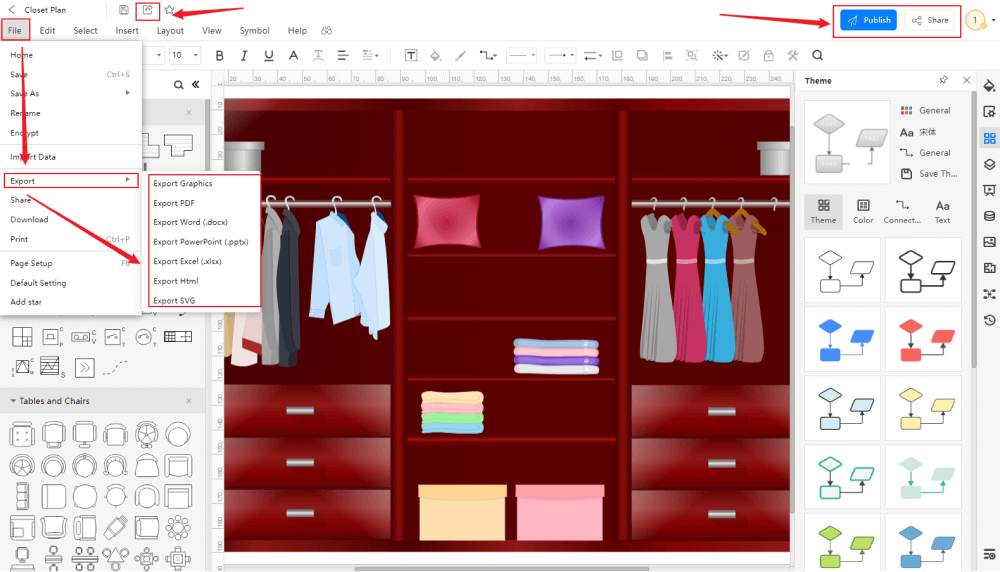
Designing a closet can feel overwhelming at first. You may worry about space, storage, and whether everything will fit properly. This is where an online closet planner becomes very helpful. It allows you to plan, visualize, and adjust your closet design before spending money or starting installation. With the right steps, you can create a closet that is functional, organized, and easy to use every day.
This guide will walk you step by step through the process of closet design using an online closet planner, even if you are a beginner.
Step 1: Understand Your Closet Space
Before opening any online closet planner, take time to understand your available space. This step sets the foundation for everything that follows.
Measure the width, depth, and height of your closet carefully. Use a tape measure and write the numbers down. Also note any doors, windows, switches, vents, or sloped ceilings that may affect the design. If your closet has sliding doors or hinged doors, consider how they open and how much clearance they need.
Accurate measurements are extremely important. An online planner will only work well if the numbers you enter are correct.
Step 2: Identify Your Storage Needs
A good closet design is based on how you actually use your closet. Before designing, review what you need to store.
Think about:
- How many clothes need hanging space
- How many items need folding
- Shoe storage requirements
- Space for bags, accessories, or seasonal items
Some people need more drawers, while others need more hanging rods or shelves. When you know your needs, you can design a closet that works for your daily routine, not just one that looks nice.
Step 3: Choose the Right Online Closet Planner
There are many online closet planner tools available, both free and paid. Choose one that is simple to use and allows basic customization.
Look for features like:
- Adjustable shelves and rods
- Drawer and cabinet options
- 2D or 3D visual previews
- Easy editing and saving options
A good online closet planner should let you experiment without pressure and make changes easily.
Step 4: Enter Accurate Measurements
Once you open the online closet planner, the first thing you will usually do is enter your closet dimensions. Carefully input the width, height, and depth.
Double-check these numbers before moving forward. If the planner allows you to add obstacles like doors or windows, include those details as well. This helps you see a realistic layout and avoid design issues later.
Step 5: Start With Basic Layout Planning
Begin your design with a basic structure. Add hanging rods, shelves, and drawers based on your storage needs.
Common layout ideas include:
- Long hanging space for dresses and coats
- Double hanging rods for shirts and pants
- Shelves above hanging areas for storage boxes
- Drawers at waist height for easy access
Do not rush this step. Try different combinations until the layout feels balanced and practical.
Step 6: Focus on Accessibility and Comfort
A common mistake in closet design is creating a layout that looks good but is hard to use. Accessibility is key.
Place frequently used items at eye level or within easy reach. Keep higher shelves for items you do not use often. Make sure drawers can open fully and are not blocked by doors or walls.
Using an online closet planner allows you to visualize spacing, which helps you avoid uncomfortable or awkward designs.
Step 7: Leave Room for Flexibility
It can be tempting to fill every inch of space, but this often leads to clutter later. Leave some empty shelves or open areas.
Your storage needs may change over time. Extra space allows you to add new items without redesigning your entire closet. Flexibility makes your closet more useful in the long run.
Step 8: Choose Simple Colors and Finishes
Many online closet planners allow you to select colors and finishes. While this is optional, it can help you visualize the final look.
Light colors make small closets feel bigger and brighter. Neutral finishes are easier to match with bedroom décor and are simpler to maintain. Avoid overly complex designs that may feel outdated quickly.
Focus more on function than decoration.
Step 9: Review Your Design Carefully
Before finalizing your design, review everything in detail.
Check:
- Measurements and spacing
- Balance between shelves, drawers, and hanging areas
- Accessibility of daily-use items
- Any unused or overcrowded areas
Most online closet planners allow you to save and edit designs. Use this feature to refine your layout step by step.
Step 10: Prepare for Installation
Once you are satisfied with your design, think about installation. Some planners provide a materials list or layout summary.
Consider:
- Wall strength and support
- Your DIY skill level
- Whether professional help is needed
A well-planned design makes installation easier and reduces mistakes.
Benefits of Using an Online Closet Planner
Using an online closet planner offers many advantages:
- Saves money by avoiding errors
- Helps visualize the final result
- Allows easy changes before building
- Reduces stress during planning
Most importantly, it gives you confidence in your design decisions.
Final Thoughts
Step-by-step closet design using an online closet planner is a smart and practical approach for anyone who wants a better-organized space. By measuring carefully, understanding your needs, planning thoughtfully, and reviewing your design, you can create a closet that truly works for your lifestyle.
Take your time, explore different layouts, and focus on comfort and usability. A well-designed closet does more than store clothes—it makes your daily routine easier and more enjoyable.